
Just last night I started getting a "Netflix Site Error" whenever I visit the Netflix website. Even the app on my phone had the same problem.
On my PC and phone, it's a complete no-go. However, my sister and friends are able to log-in just fine INTO THEIR OWN PROFILES.
I tried logging in to my profile on my sister's PC and the same thing happened on her PC, can't access the site at all and I'm sure if I logged into my profile on her phone, same issue. My friends can still can log into any of the other 4 profiles but logging into mine specifically gives that error and you can't use Netflix at all. Same with my sister's phone, she can log into the other 4 profiles just fine.
I've tried deleting cache, cookies, and even tried using a but every time I log into Netflix, I automatically get that error.
What do I do? I tried deleting just profile from my sister's phone but I can't even do that most likely because it's the main account? I am completely locked out of Netflix. Can't even log out or change profiles. I'd request another friend's log in info to test but I don't want to risk locking him out on his own account either.
Stockez vos données sur Freebox Ultra
⭐⭐⭐⭐⭐ « Fiable et Rapide! 👌 »
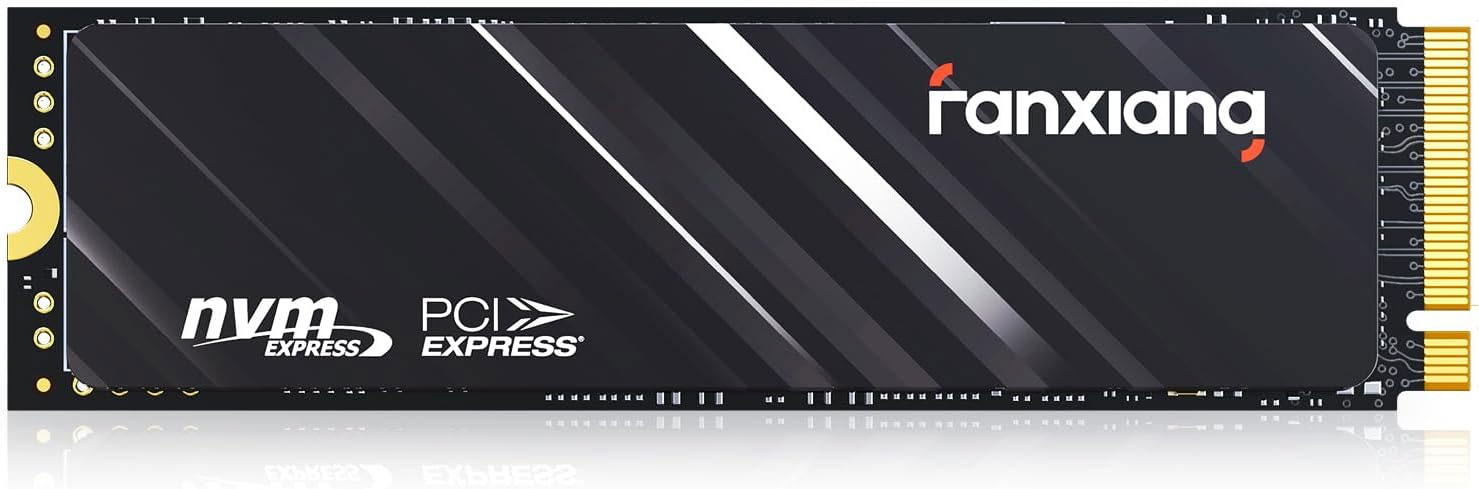
 SSD Fanxiang 1To à
144,99€
SSD Fanxiang 1To à
144,99€
→ Voir sur Amazon
⭐⭐⭐⭐⭐ « Fiable et Rapide! 👌 »
SSD Fanxiang 1To à
144,99€→ Voir sur Amazon
Vous aussi, adoptez le Mini PC !
⭐⭐⭐⭐⭐ « puissant et silencieux »
 Mini PC AMD Ryzen 5 à
419,99€
Mini PC AMD Ryzen 5 à
419,99€
→ Voir sur Amazon
⭐⭐⭐⭐⭐ « puissant et silencieux »
Mini PC AMD Ryzen 5 à
419,99€→ Voir sur Amazon
Nouvelle Carte SIM Free Mobile 350Go
⭐⭐⭐⭐⭐ « Sans engagement, renouvelable, top ! »
 Prépayée avec appels illimités à
12,49€
Prépayée avec appels illimités à
12,49€
Promo
-38% → Voir sur Amazon
⭐⭐⭐⭐⭐ « Sans engagement, renouvelable, top ! »
Prépayée avec appels illimités à
12,49€Promo
-38% → Voir sur Amazon
Netflix Site Error??
-
 François Admin Forum Freebox
Un petit complément qui peut t'éviter bien des soucis avec ta Freebox, ce qui revient souvent sur le forum :
- Le Wi-Fi ne passe pas partout ?
Un répéteur règle le problème en 5 minutes (celui-ci en Wi-Fi 7 est l'un des plus efficaces).
- Ton débit est bridé sur ton ordinateur ?
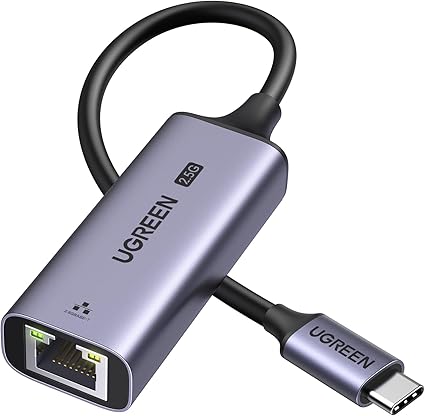
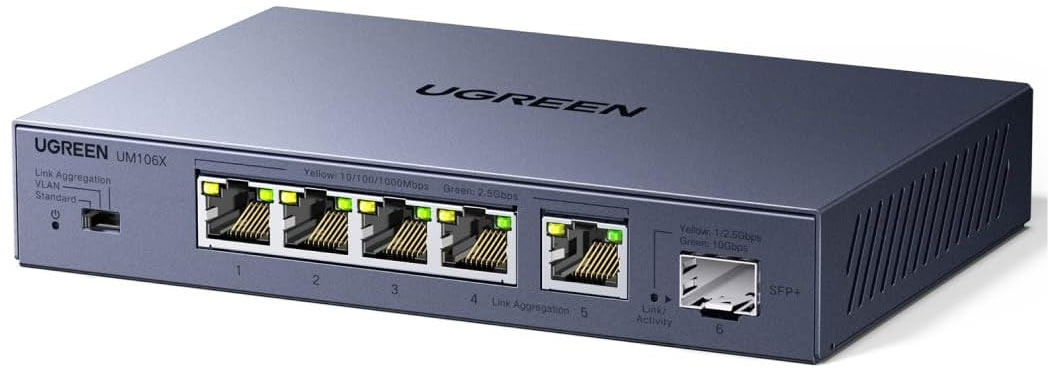
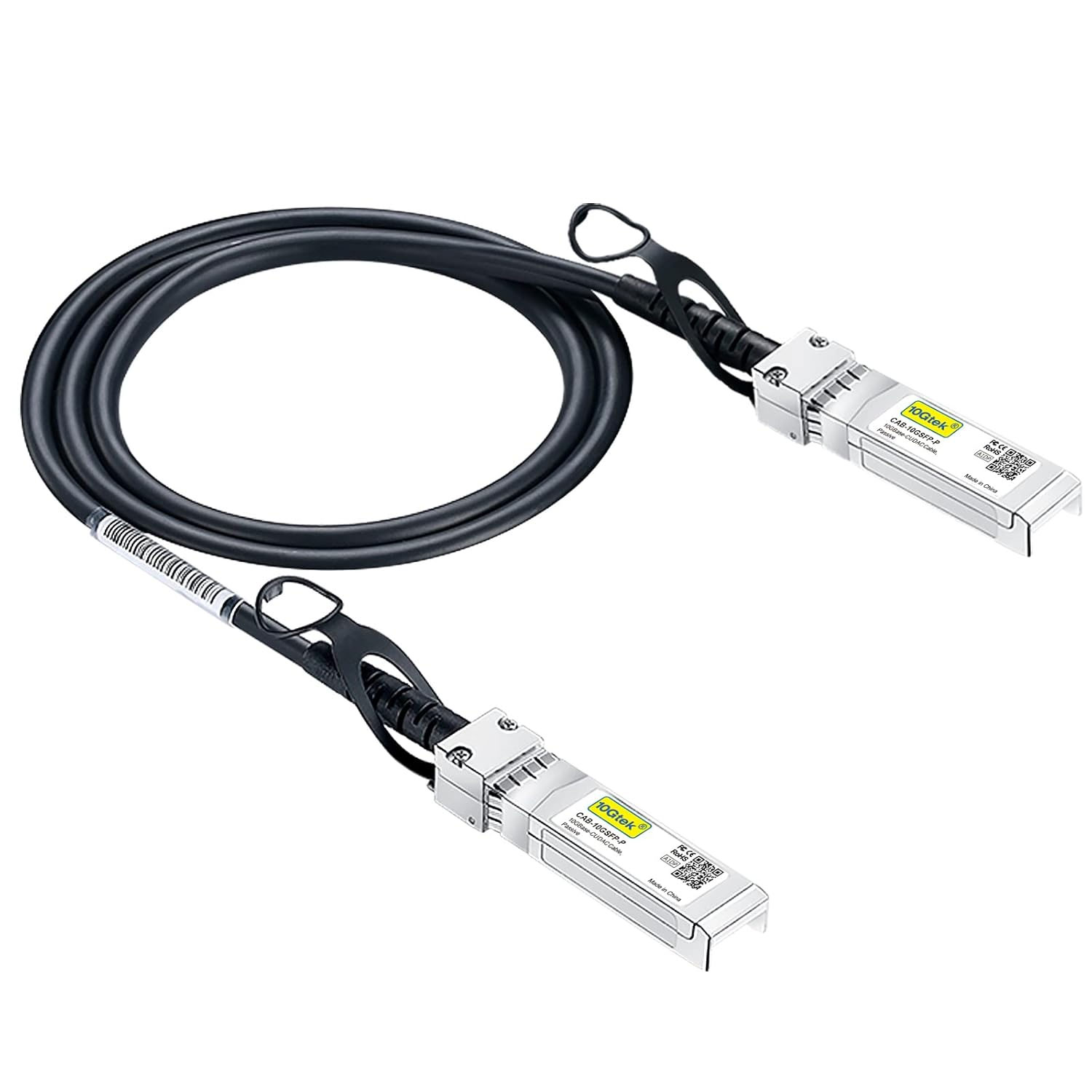
Souvent, c'est sa prise réseau qui limite. Un simple adaptateur suffit à débloquer la connexion : en USB-C ou en USB classique. Sur la Delta, tu peux aussi ajouter une multiprise réseau rapide reliée par un câble haute vitesse.
- Envie de partager films et fichiers sur tout ton réseau ?
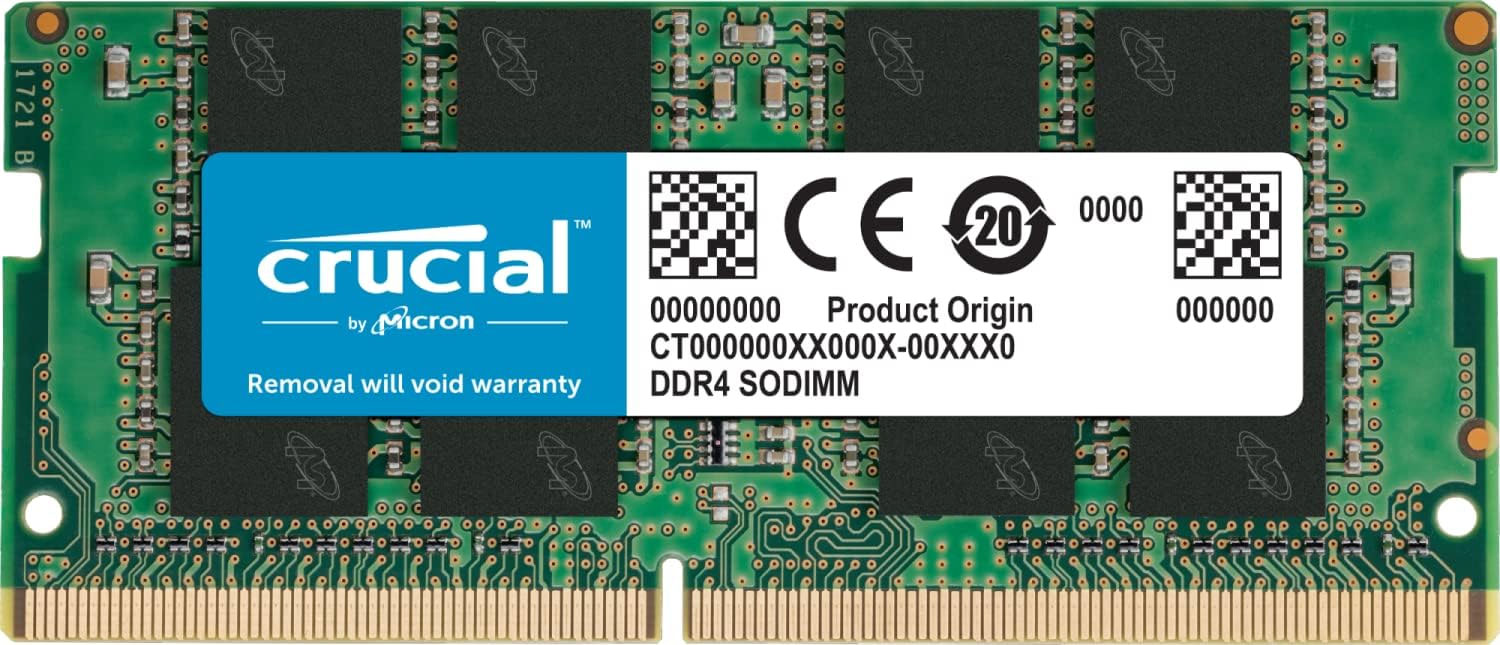
Glisse un disque SSD rapide sous l'Ultra, ou jusqu'à 4 disques classiques (avec un peu de mémoire en plus) dans la Delta.
- Des coupures TV, des erreurs dash ?
Le câble reste la solution la plus fiable (ce modèle plat passe sous les portes). Pas de câble possible ? ce kit CPL utilise tes prises électriques et se branche en 2 minutes.
- Pour profiter à 100 % de la fibre :
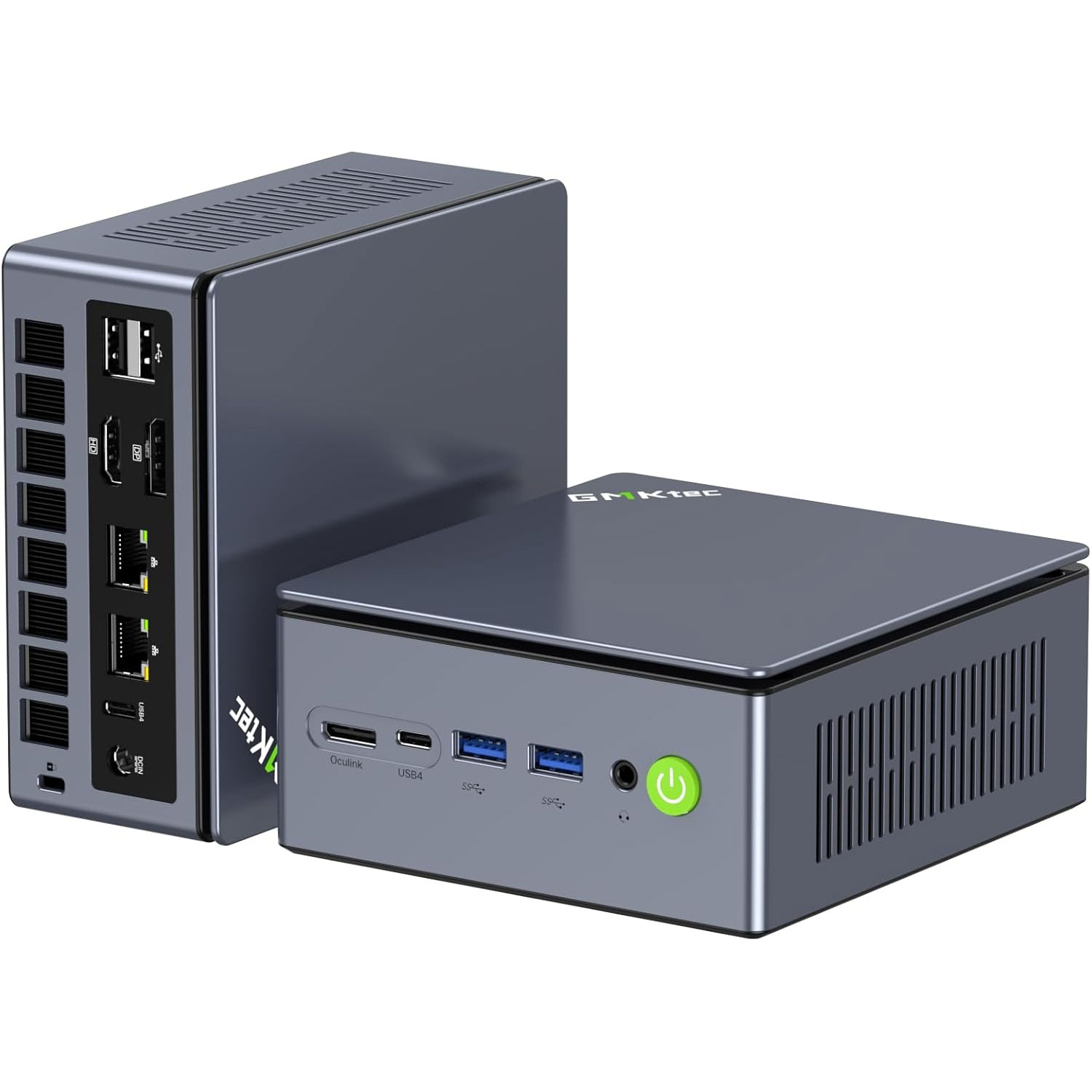
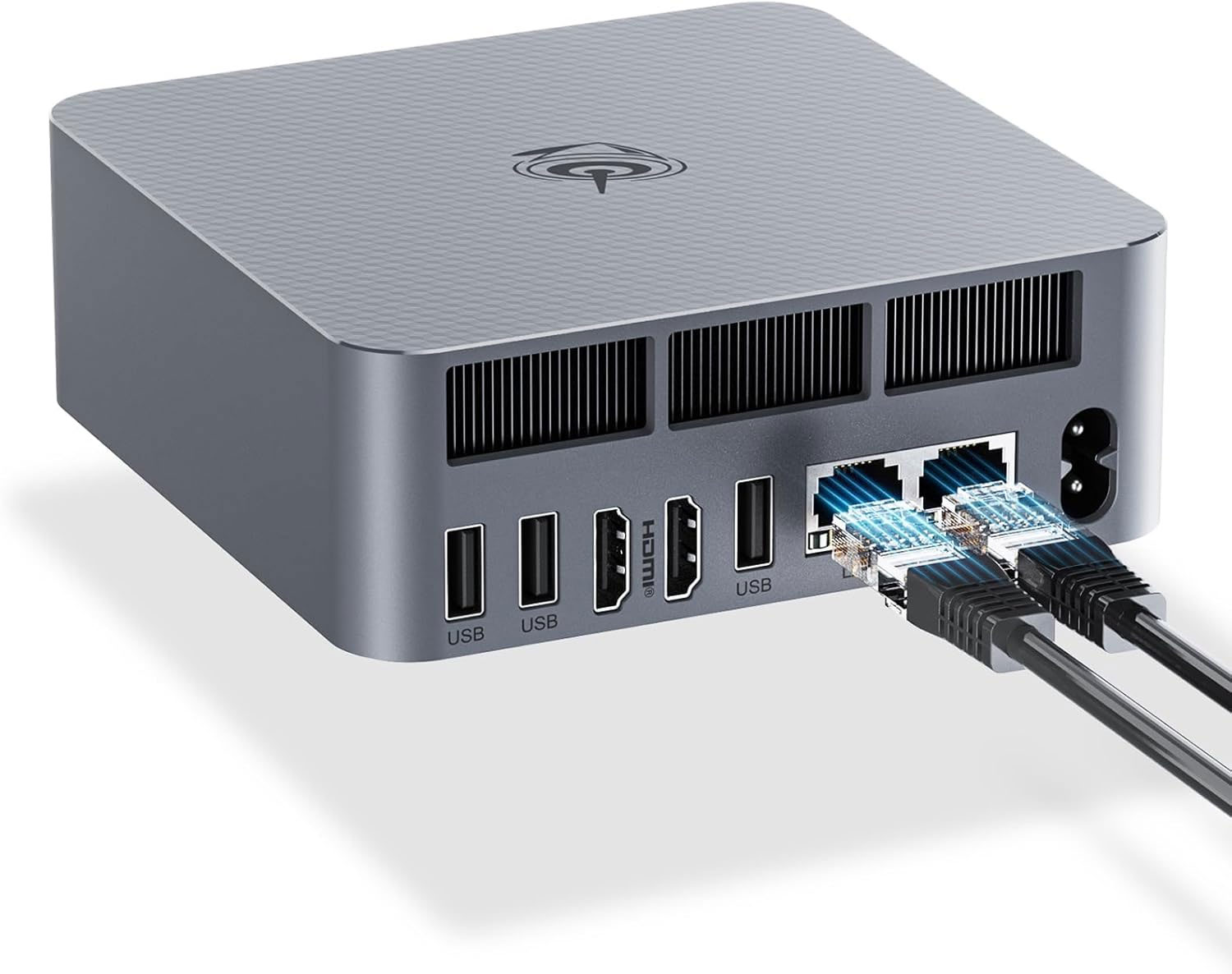
Un ordinateur trop ancien peut brider ta ligne. Un petit PC récent gère très bien le très haut débit (ce mini-PC 2.5Gb ou ce modèle 1Gb en promo).
- Pas encore de forfait mobile chez Free ?
Quand on est déjà abonné Freebox, c'est souvent le bon moment d'y jeter un œil : la carte SIM Free s'active en quelques minutes.
Pour aller plus loin : notre guide pour créer un réseau très haut débit chez soi.
Bon à savoir : ces liens mènent directement sur Amazon, donc si tu as un compte Prime (inclus avec certaines offres Freebox, comme la Delta ou l'Ultra), tu en profites sur les produits éligibles.
Et toi, c'est quoi ton installation ? Partage-la, la communauté est là pour t'aider !
- Le Wi-Fi ne passe pas partout ?
Un répéteur règle le problème en 5 minutes (celui-ci en Wi-Fi 7 est l'un des plus efficaces).
- Ton débit est bridé sur ton ordinateur ?
Souvent, c'est sa prise réseau qui limite. Un simple adaptateur suffit à débloquer la connexion : en USB-C ou en USB classique. Sur la Delta, tu peux aussi ajouter une multiprise réseau rapide reliée par un câble haute vitesse.
- Envie de partager films et fichiers sur tout ton réseau ?
Glisse un disque SSD rapide sous l'Ultra, ou jusqu'à 4 disques classiques (avec un peu de mémoire en plus) dans la Delta.
- Des coupures TV, des erreurs dash ?
Le câble reste la solution la plus fiable (ce modèle plat passe sous les portes). Pas de câble possible ? ce kit CPL utilise tes prises électriques et se branche en 2 minutes.
- Pour profiter à 100 % de la fibre :
Un ordinateur trop ancien peut brider ta ligne. Un petit PC récent gère très bien le très haut débit (ce mini-PC 2.5Gb ou ce modèle 1Gb en promo).
- Pas encore de forfait mobile chez Free ?
Quand on est déjà abonné Freebox, c'est souvent le bon moment d'y jeter un œil : la carte SIM Free s'active en quelques minutes.
Pour aller plus loin : notre guide pour créer un réseau très haut débit chez soi.
Bon à savoir : ces liens mènent directement sur Amazon, donc si tu as un compte Prime (inclus avec certaines offres Freebox, comme la Delta ou l'Ultra), tu en profites sur les produits éligibles.
Et toi, c'est quoi ton installation ? Partage-la, la communauté est là pour t'aider !
Les liens Amazon du forum sont affiliés, cela ne changent rien à ton prix et aide à financer le forum. Le forum Toosurtoo, en tant que Partenaire Amazon, réalise un bénéfice sur les achats remplissant les conditions requises.
Hello,
I don't know if it's linked but I couldn't use Netflix on the Delta Devialet Player yesterday night.
After having shown the Netflix logo, it was going back to the "Free" main menu automatically.
I did not insist and used the Netflix app installed on my Smart TV instead and it was working fine.
Did not try again Netflix on the Freebox Delta Player since then.
I don't know if it's linked but I couldn't use Netflix on the Delta Devialet Player yesterday night.
After having shown the Netflix logo, it was going back to the "Free" main menu automatically.
I did not insist and used the Netflix app installed on my Smart TV instead and it was working fine.
Did not try again Netflix on the Freebox Delta Player since then.
Migration Révolution demandée le 14/12/2010 à 14H25, reçue le 27/01/2011
Migration Delta Fibre demandée le 12/12/2018 à 11H00, livrée le 20/02/2019
NRO gch75 Paris Rue des Grands Champs - Compatibilité 10Gb/s : OUI!
Migration Delta Fibre demandée le 12/12/2018 à 11H00, livrée le 20/02/2019
NRO gch75 Paris Rue des Grands Champs - Compatibilité 10Gb/s : OUI!
It works fine on my PC using Mozilla Firefox or Brave browser.
Try the Netflix app on Windows, maybe it will solve your problem : https://www.microsoft.com/fr-fr/store/p ... zdncrfj3tj
Try the Netflix app on Windows, maybe it will solve your problem : https://www.microsoft.com/fr-fr/store/p ... zdncrfj3tj
Migration Révolution demandée le 14/12/2010 à 14H25, reçue le 27/01/2011
Migration Delta Fibre demandée le 12/12/2018 à 11H00, livrée le 20/02/2019
NRO gch75 Paris Rue des Grands Champs - Compatibilité 10Gb/s : OUI!
Migration Delta Fibre demandée le 12/12/2018 à 11H00, livrée le 20/02/2019
NRO gch75 Paris Rue des Grands Champs - Compatibilité 10Gb/s : OUI!
Reboot freebox server solve problem but it's come back many times
🚀 Booste ta Freebox
 Port Ethernet RJ45 USB rapide
1To dans ta Freebox Ultra
 Switch 2.5G + SFP 10G
 Mini PC GMKtec Ryzen 7
Mini PC AMD Ryzen 5
Consultez le tuto spécial : Créer un RÉSEAU 10 Gbit/s chez soi avec la Freebox
Port Ethernet RJ45 USB rapidePasse facilement de 1 à 2.5Gb/s en USB-C
👉 voir l'offre à 24,22€ -15%✅ OK pour Delta, Pop, Ultra
1To dans ta Freebox UltraInsère un SSD fiable pour tout stocker
👉 voir l'offre à 144,99€✅ OK pour Ultra
Switch 2.5G + SFP 10GPasse tous tes ordis en 2.5Gb/s !
👉 voir l'offre à 62,82€✅ OK pour Delta, Pop, Ultra
Mini PC GMKtec Ryzen 7Réseau à 2.5Gb/s, AMD Radeon 680M
👉 voir l'offre à 579,96€✅ OK pour Delta, Pop, Ultra
Mini PC AMD Ryzen 516Go RAM 512Go SSD, j'adore 😍
👉 voir l'offre à 419,99€
⭐ En ce moment chez Free Carte SIM Free Mobile 200Go 5G
👉 voir l'offre à 8,39€ -16% Carte SIM Free Mobile 300Go 5G
👉 voir l'offre à 0€Carte SIM Free Mobile 350Go 5G
👉 voir l'offre à 12,49€ -38%
 Comme le dit la chanson, Freebox Toosurtoo c'est « une commu qui arrache, et quand t'as ton câble qui lâche, alors même en pleine night, tu liras Pif et Kokalight ! »
Découvrez les offres prépayés Free Mobile 5G avec Appels/SMS illimités, sans engagement !
Carte SIM Free Mobile 200Go 5G👉 voir l'offre à 8,39€ -16%
Carte SIM Free Mobile 300Go 5G👉 voir l'offre à 0€
Carte SIM Free Mobile 350Go 5G👉 voir l'offre à 12,49€ -38%